
Project Overview
As an entrepreneur and freelancer, I wanted a more efficient way to connect with potential partners and clients—anytime, anywhere. Rather than relying on third-party digital business card services, I decided to build my own self-hosted digital business card app. It’s tailored to my needs and cost-effective. The process not only streamlined my networking efforts but also sparked my interest in AI and self-learning along the way.
Why I chose this project:
This project showcases how AI-assisted “vibe coding” can rapidly turn ideas into working solutions—at a fraction of the time and cost of traditional development. Best of all, it’s entirely custom-built to fit my goals and workflow.
Timeline
2.5 weeks
My Role
UX Designer, Product Manager, and Full-stake Programmer
Responsibility
Process Flow Design & Iteration, User Interface Design, Platform Development and Debugging, AI Prompt Generation
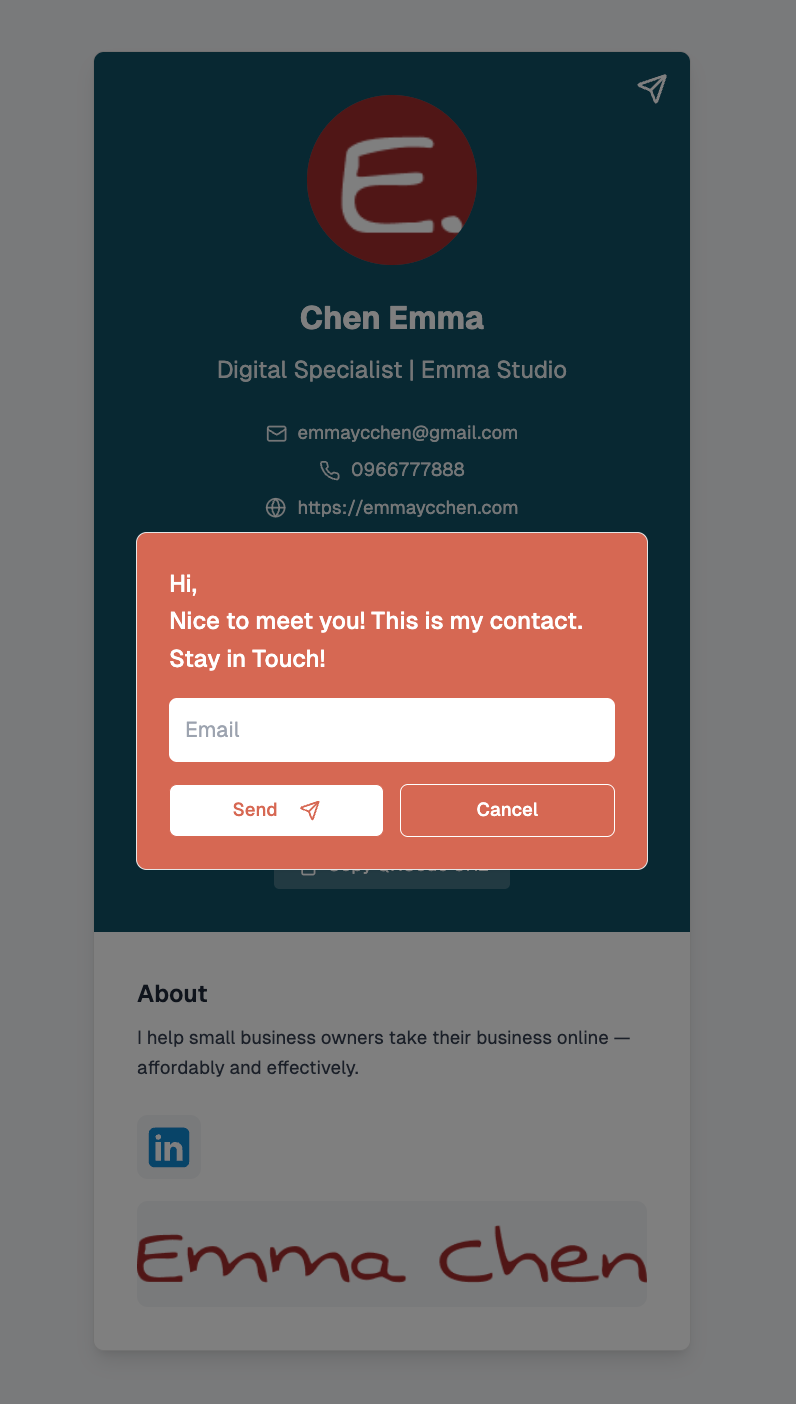
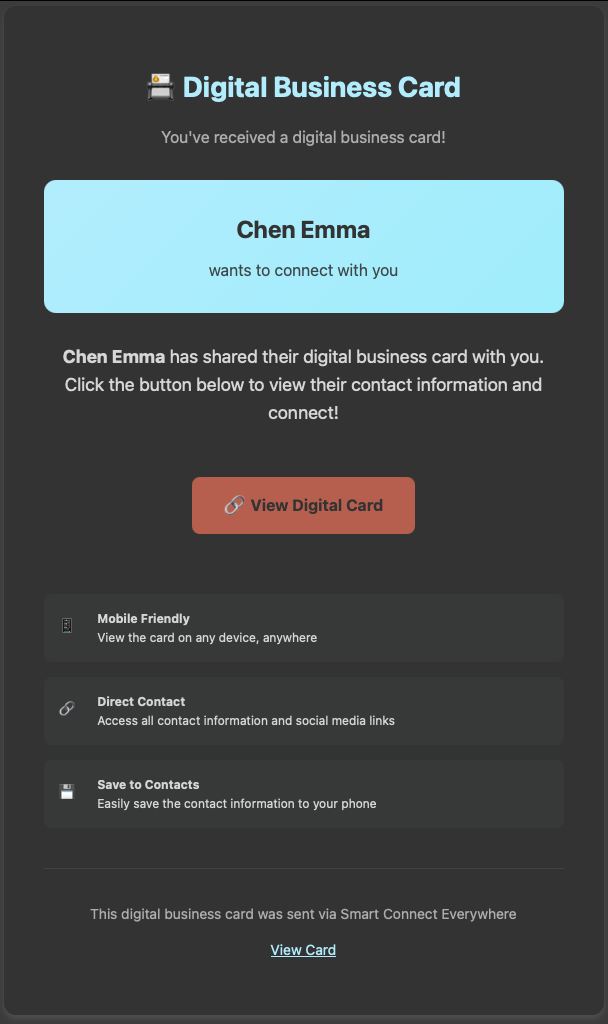
Summary
A Digital Business Card app isn’t a new concept and may seem like a simple task at first. But when working with AI, the key is having a crystal-clear understanding of the process—so you can craft precise prompts and instructions to get the exact results you want. Here’s a breakdown of my thinking process and development steps:
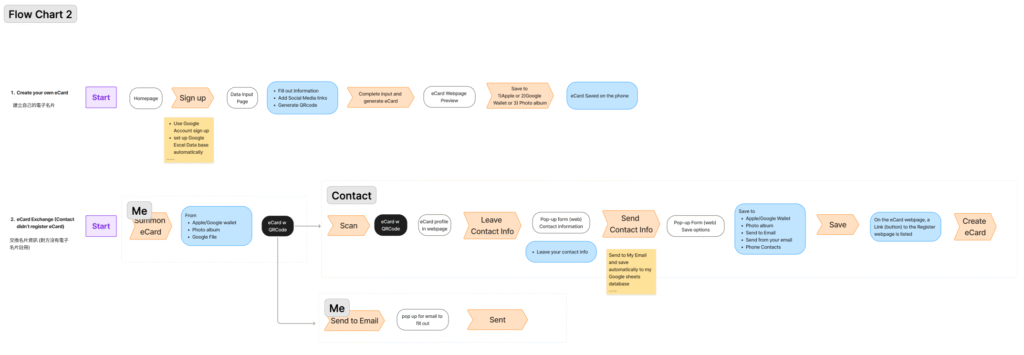
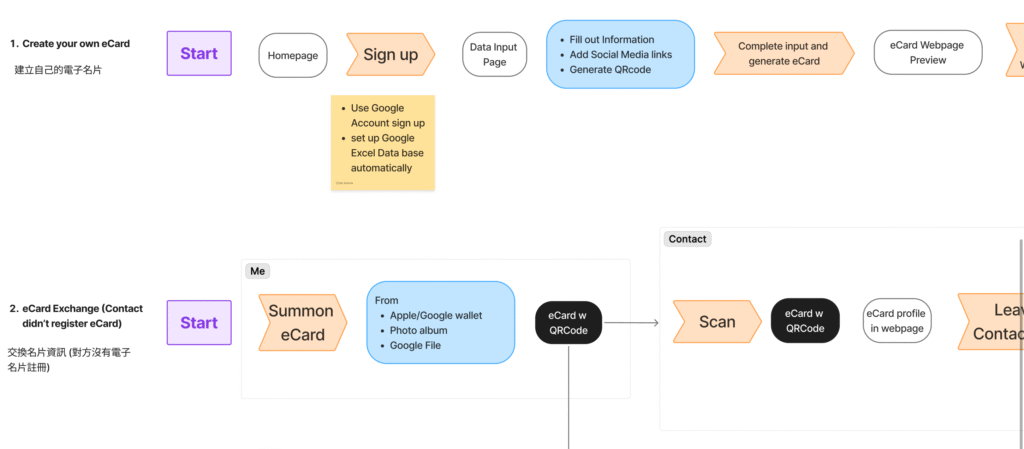
Started with mapping out the card exchange flow
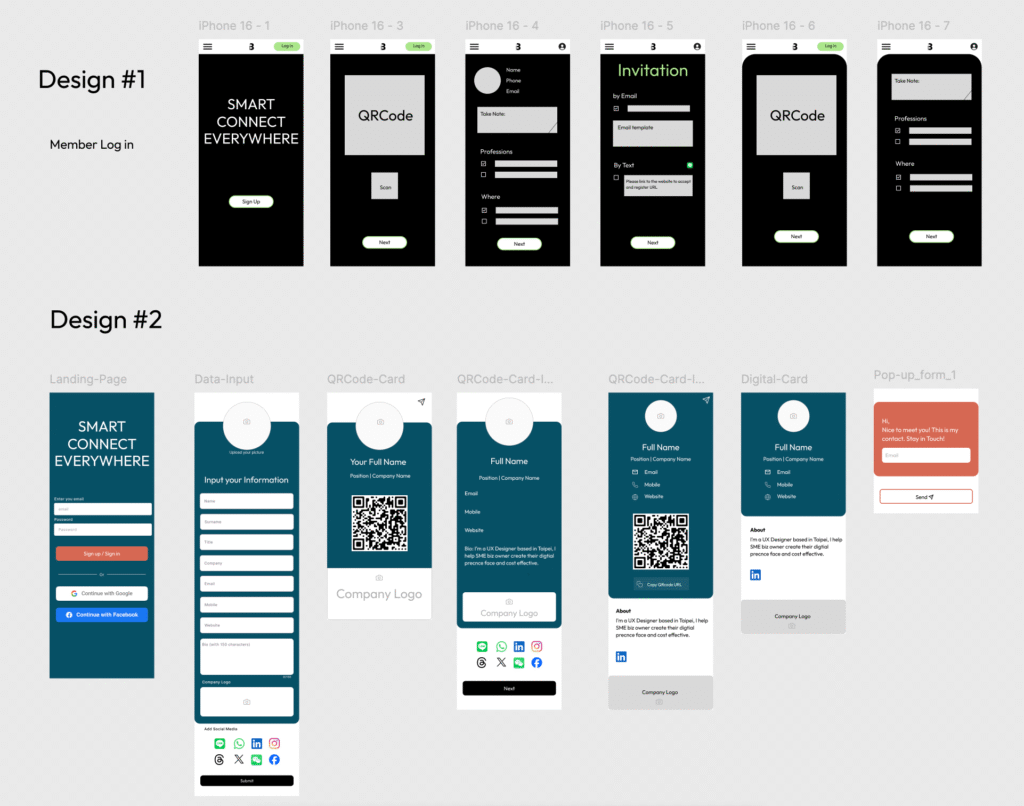
I began by outlining the steps a user would go through when exchanging contact information.
Designed the interface in Figma with content hypotheses
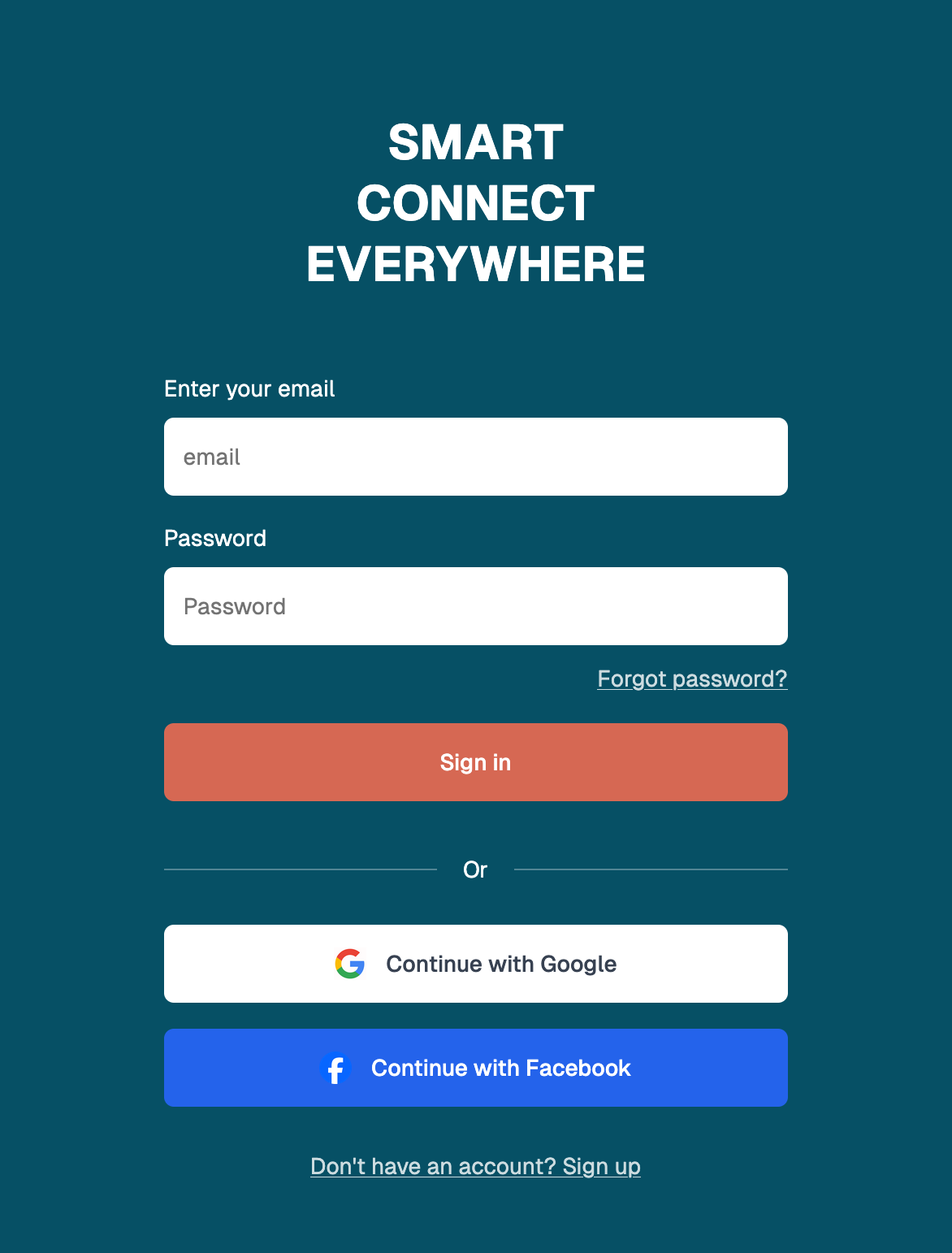
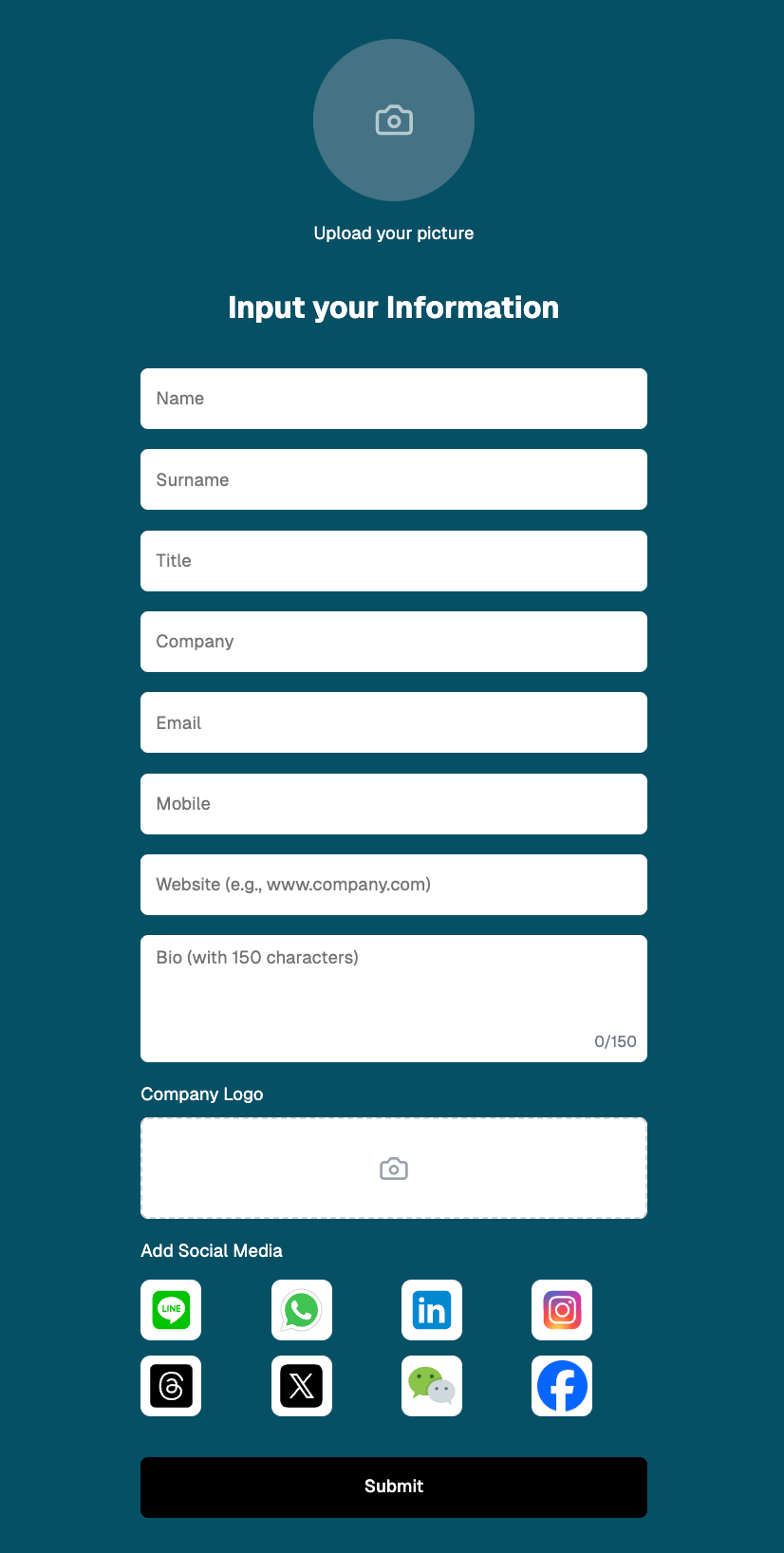
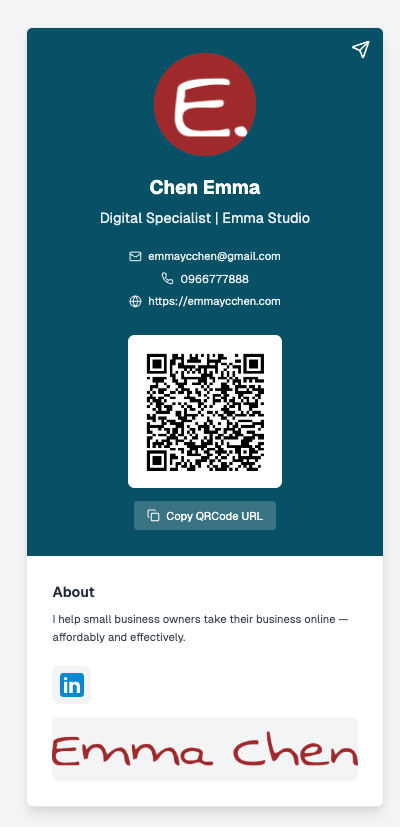
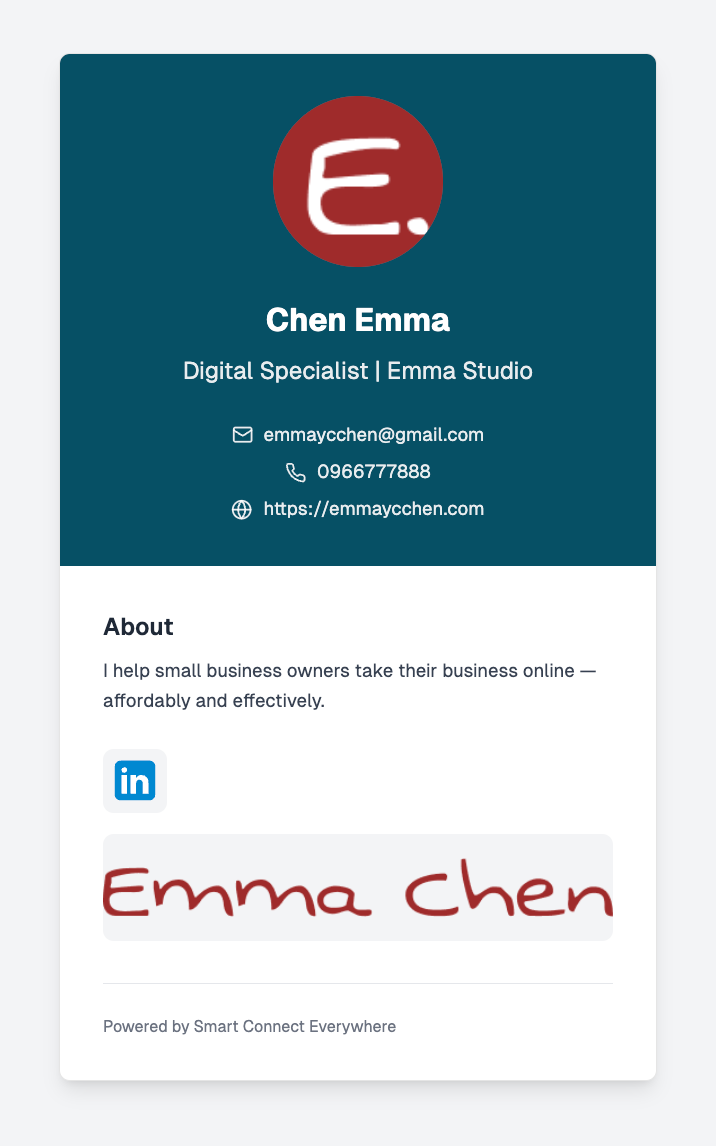
Once the user flow was clear, I used Figma to design each page and made assumptions about what information would be needed at each step.
Established branding and a design system
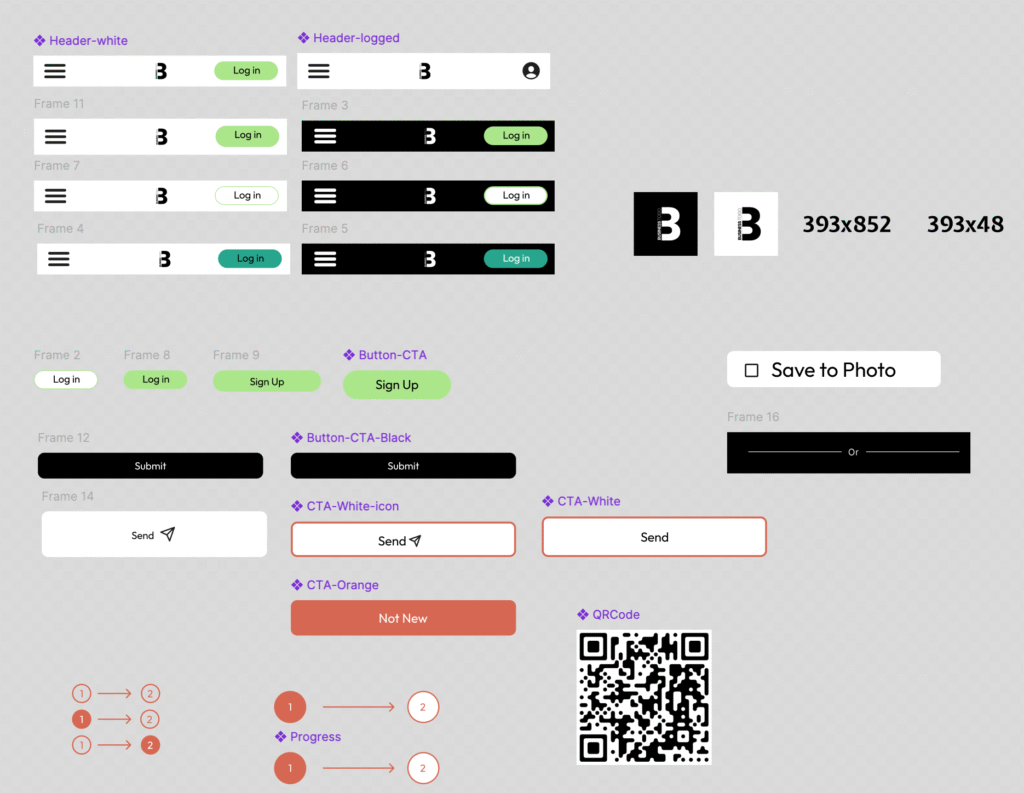
I started by selecting a color palette to lay the foundation for the app’s branding. As the design progressed, I created a design system to define basic UI elements such as call-to-action buttons, sidebars, and typography.
Prompt engineering and AI-guided deployment
In addition to drafting prompts ahead of time, I also relied on AI to guide me step-by-step through the setup and deployment process across platforms like Vercel, GitHub, Google Apps Script, Resend, and Supabase.
The Challenge
The biggest challenge wasn’t the coding itself—it was the debugging process. Communicating clearly with AI was also key. Letting the AI know that I was new to software development helped generate more detailed, step-by-step instructions that made the entire process smoother and more manageable.
Next Steps
- Launch the app and gather user feedback on the experience.
- Improve the password input field on the landing page by adding a "show password" toggle for better usability.
- Continue refining both the design and functionality based on real user insights.